

Dentally
Dentally
Reviewed: 3 September 2026
Dentally is a cloud-based dental practice management platform designed to streamline appointments, patient records, communications, and reporting for dental clinics.
DentallyVersions
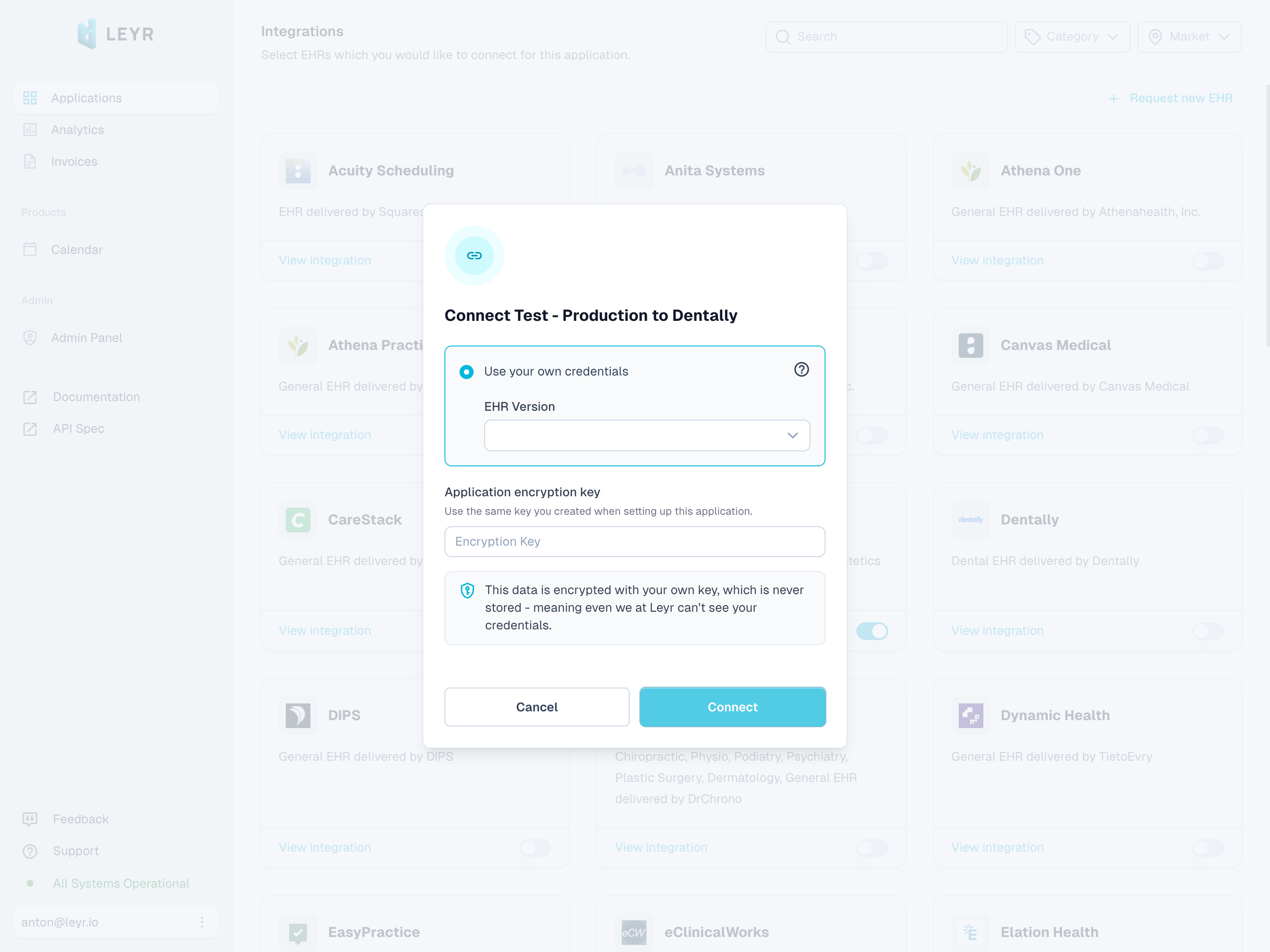
Dentally supports two integration versions: Public and Private. The version determines which API endpoints and authentication methods are used.
- Public - uses Dentally's public booking API. Requires a Care Unit ID containing your public portal hostname. Creating appointments also requires an Access Token.
- Private - uses Dentally's private API with an Access Token. Enables full access including appointment management, patient records, and additional resources.
You'll be able to choose the version during the integration setup in the Leyr developer portal.
Setup Type
Self-Service for Public Availability, Contact Required for Appointment Creation and Private Access - The public version uses your Care Unit ID to fetch availability. An access token from Dentally is required to create appointments and use the private version.
Required Credentials
Public Version
To integrate with Dentally using the public version, you'll need:
- Care Unit ID (your Dentally public portal hostname, for example
example.portal.dental) - Access Token (required to create appointments)
Private Version
To integrate with Dentally using the private version, you'll need:
- Access Token
You must also provide an integration label in the Leyr developer portal. Leyr sends this label to Dentally as the required User-Agent header.
Setup Guide
Public Version - Obtaining the Care Unit ID
To obtain your Care Unit ID, reach out to the Leyr team at contact@leyr.io or via your dedicated Slack channel. Share the name of your clinic, and we'll help you get the relevant identifier for your Dentally integration.
Private Version - Obtaining Credentials
Dentally requires an access token to be provisioned by their support team:
Prerequisites:
- You must have a care provider customer using Dentally as their EHR system (or be the one yourself)
Credential Request Process:
To obtain your access token, contact Dentally support with your clinic information. When reaching out, provide your integration requirements and use case details. Dentally will review your request to ensure everything is properly authorized. Once approved, you'll receive the access token for your integration.
For assistance with this process, contact us at contact@leyr.io and we'll help guide you through the credential request with Dentally.
Check our API specification for implementation details.