

Elation Health
Elation Health
Reviewed: 29 July 2026
Elation Health is a cloud-based EHR built for primary care. It provides clinical documentation, e-prescribing, lab ordering, scheduling, and patient engagement tools.
Elation HealthSetup Type
Contact Required - Elation Health integration requires manual credential provisioning. Contact Elation Health support to obtain the credentials below.
Required Credentials
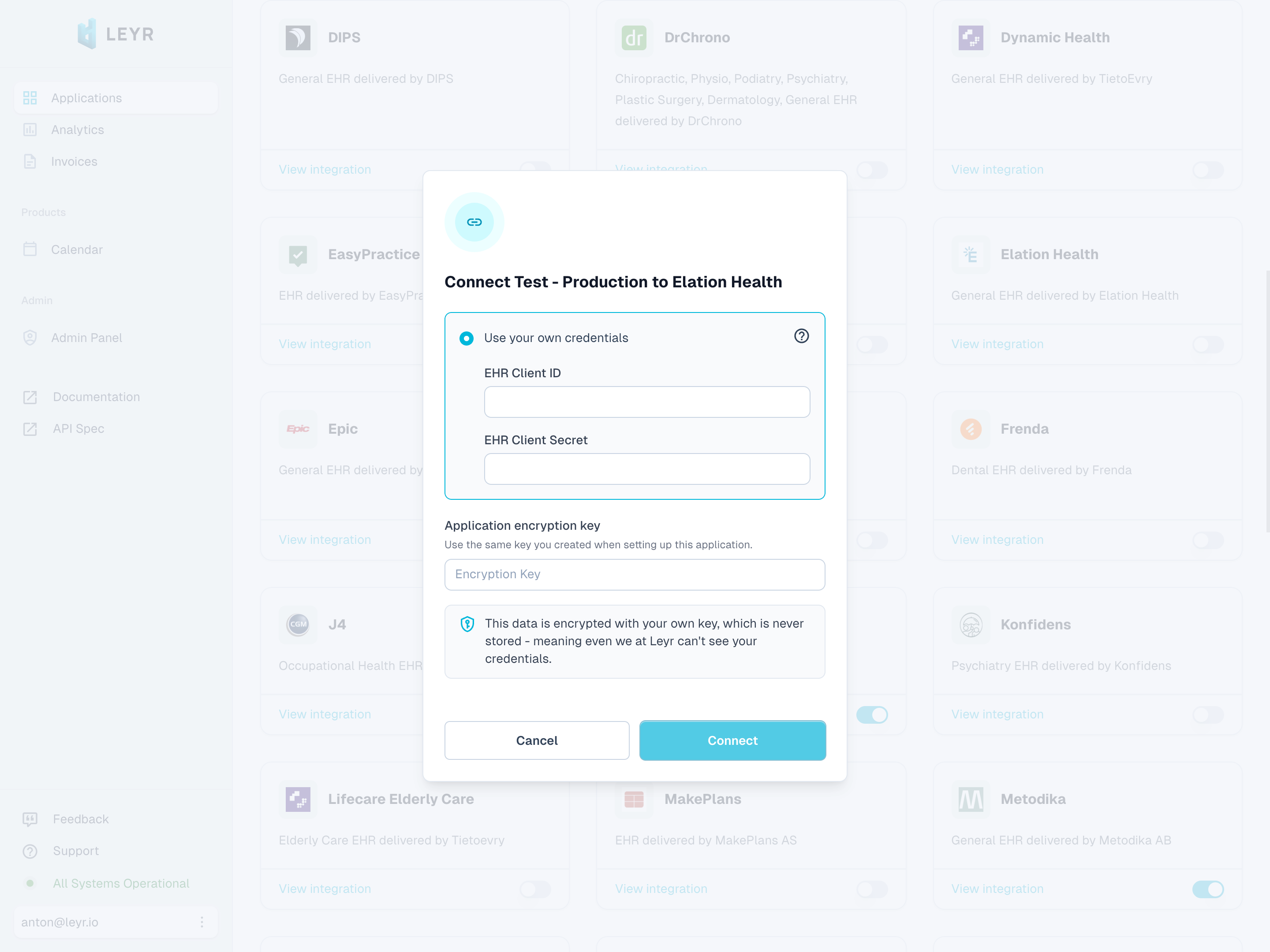
To integrate with Elation Health in production or using your own credentials in Leyr Sandbox, you'll need:
- Client ID
- Client Secret
Setup Guide
Elation Health requires credentials to be provisioned by their support team:
Prerequisites:
- You must have a care provider customer using Elation Health as their EHR system (or be the one yourself)
Credential Request Process:
To obtain your integration credentials, contact Elation Health support with your practice information. When reaching out, provide your integration requirements and use case details. Elation Health will review your request to ensure everything is properly authorized. Once approved, you'll receive the required credentials for integration.
For assistance with this process, contact us at contact@leyr.io and we'll help guide you through the credential request with Elation Health.
Check our API specification for implementation details.