---
title: "Pridok (Pilot)"
description: "How to configure Pridok for a Leyr integration and obtain the required credentials."
canonical_url: "https://docs.leyr.io/product/ehrs-setup/pridok"
---
# Pridok (Pilot)
> How to configure Pridok for a Leyr integration and obtain the required credentials.
Reviewed: 12 February 2026
Pridok EPJ is an electronic patient journal (EPJ) system designed for healthcare professionals in Norway. It offers a web-based platform that is secure, user-friendly, and accessible from any device with an internet connection. The system aims to enhance patient safety and streamline daily operations for healthcare providers by minimizing administrative burdens and optimizing workflow.
Pridok
## Versions
Pridok supports multiple API versions: **V1**, **V2**, and **V3**. Each version corresponds to a different API endpoint. The appropriate version is determined during the setup process - Leyr will configure the correct version for your clinic.
## Setup Type
**Contact Leyr** - Pridok requires manual verification from Leyr. We handle this process for you - simply provide us with the clinic name and we'll take care of the rest.
## Required Credentials
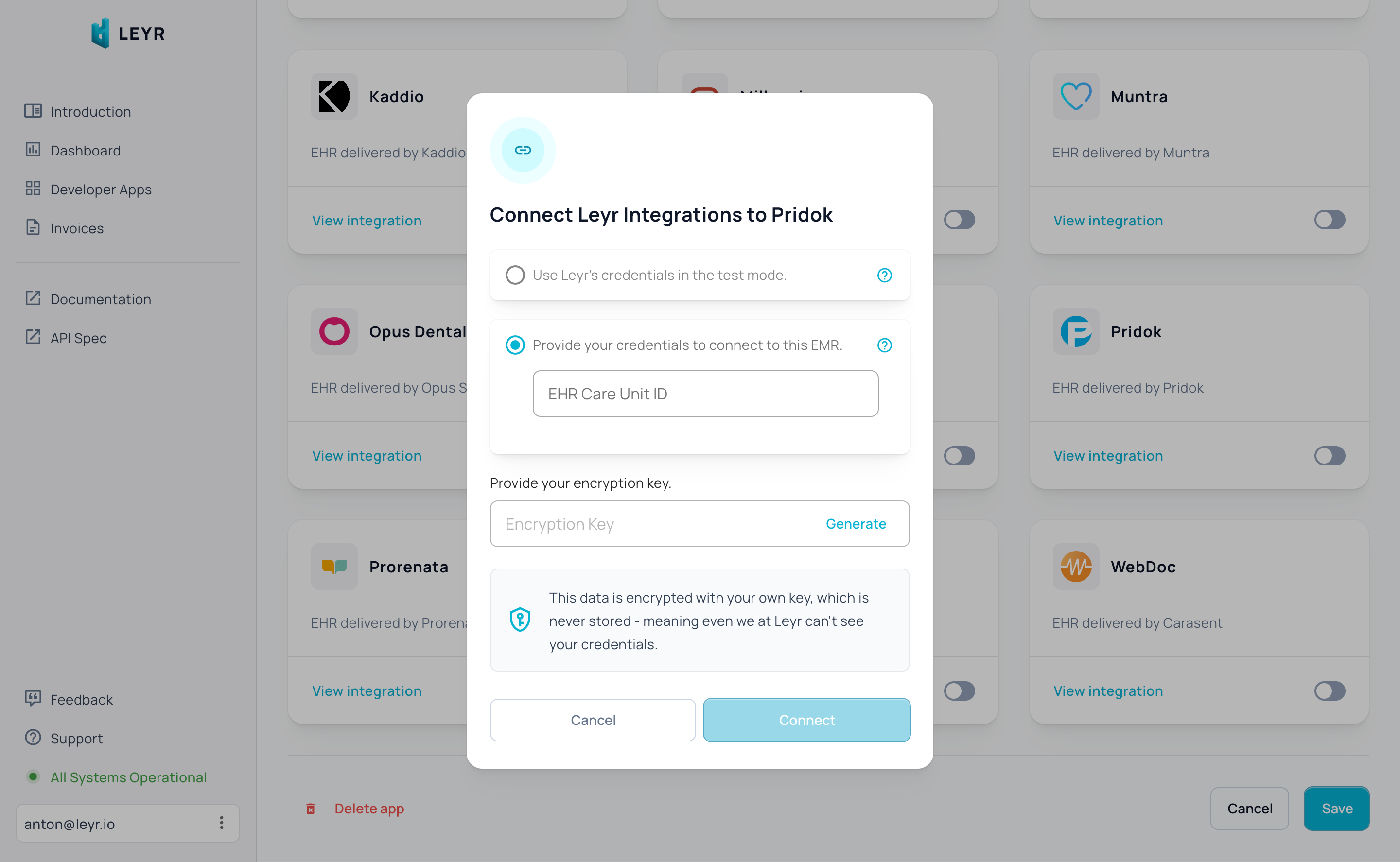
To integrate with Pridok in production, you'll need:
- Care Unit ID
- Version
## Setup Guide
Pridok requires manual verification from Leyr, but we handle this process for you:
1. Contact us at [contact@leyr.io](mailto:contact@leyr.io) with the name of the clinic you want to connect to
2. We'll handle the verification process and determine the correct API version for your clinic
3. We'll get back to you with the confirmed Care Unit ID and Version
Check our [API specification](https://api.leyr.io/docs) for implementation details.
## Sitemap
See the full [sitemap](https://docs.leyr.io/sitemap.md) for all pages.