---
title: "Solvit Journal"
description: "How to configure Solvit Journal for a Leyr integration and obtain the required credentials."
canonical_url: "https://docs.leyr.io/product/ehrs-setup/solvit"
---
# Solvit Journal
> How to configure Solvit Journal for a Leyr integration and obtain the required credentials.
Reviewed: 17 March 2026
SolvIT Journal is an online record system with online booking, secure record keeping, and secure payment. SolvIT is proud of their security precautions, where everything is safely stored in their own data center in Norway.
Solvit Journal
## Setup Type
**Contact Required** - For production integrations, you need to reach out to SolvIT directly to get your Care Unit ID, API Key, and Base URL. For sandbox testing you can use Smart Mock or Leyr's credentials.
## Required Credentials
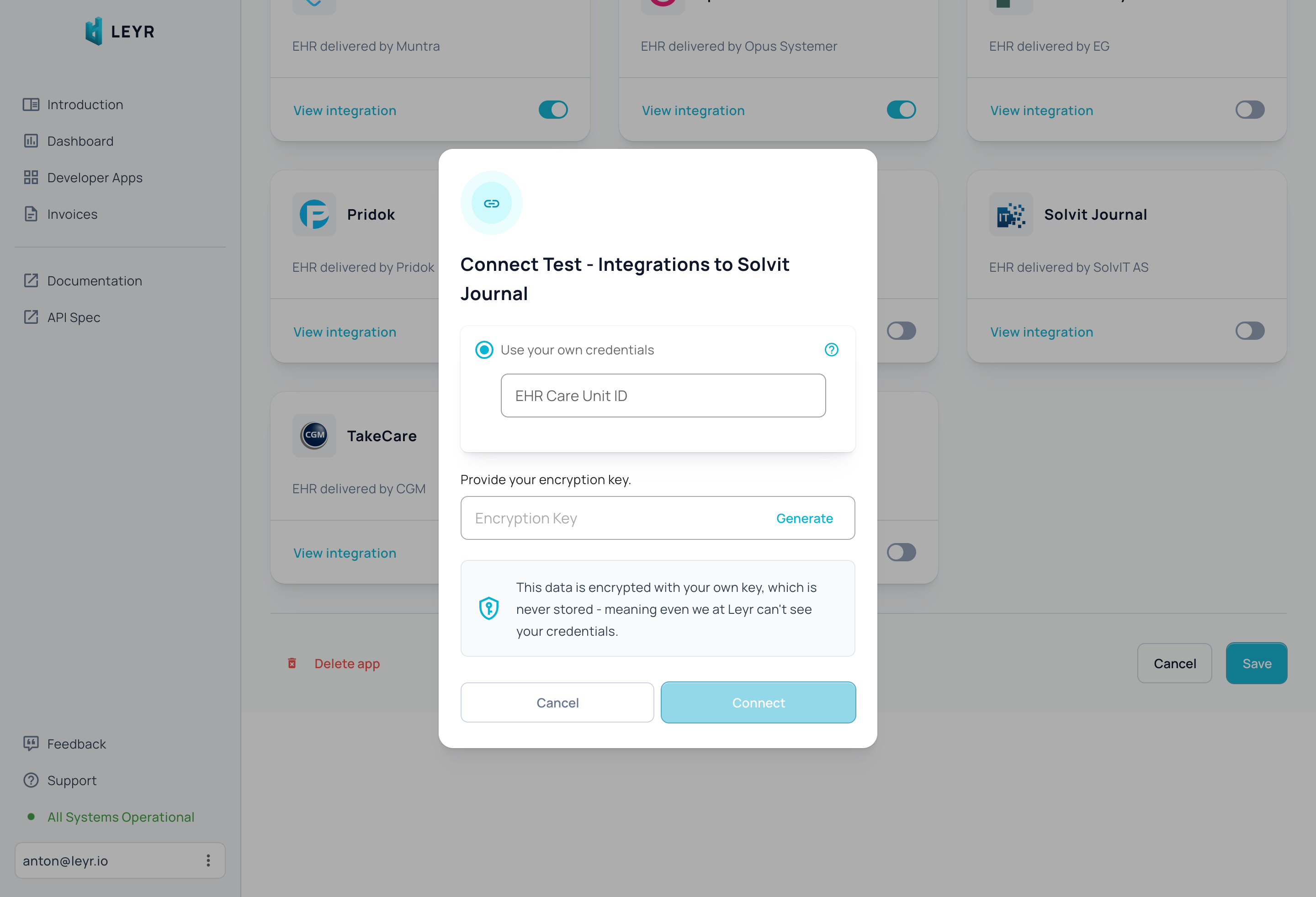
To integrate with SolvIT in production, you'll need:
- **Care Unit ID** - Your organization's unique care unit identifier
- **API Key** - Authentication key provided by SolvIT
- **Base URL** - The API endpoint URL for your SolvIT instance
## Setup Guide
### Test Environment
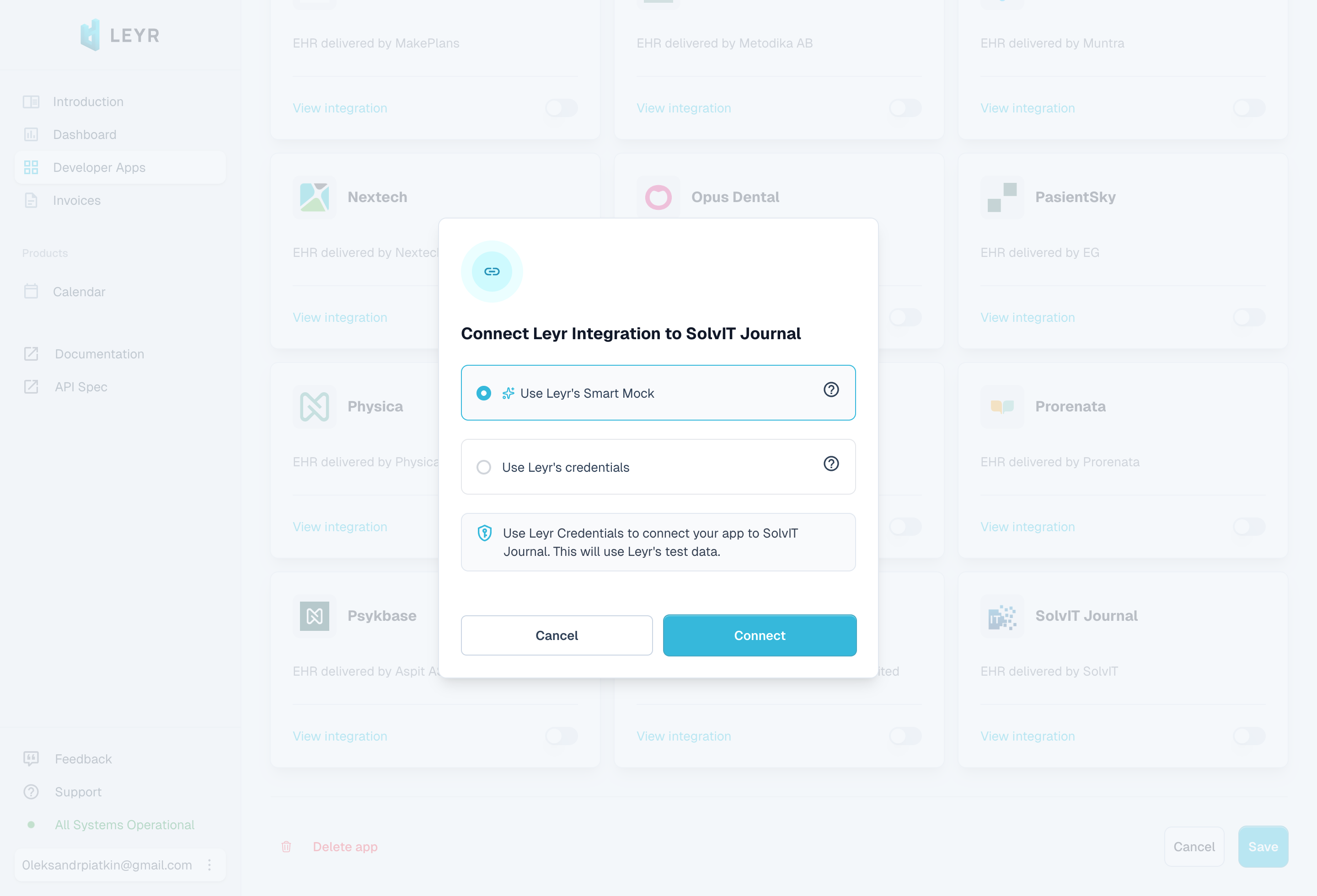
**For Sandbox Testing:** You can use Leyr's test credentials or Smart Mock to explore SolvIT integration capabilities without contacting SolvIT support.
### Production Environment
**For Production Integration:** You'll need to contact SolvIT support directly to obtain your Care Unit ID, API Key, and Base URL for production use.
Once you receive all three credentials, you can launch your integration with SolvIT Journal via Leyr. Check our [API specification](https://api.leyr.io/docs) for implementation details.
## Sitemap
See the full [sitemap](https://docs.leyr.io/sitemap.md) for all pages.