---
title: "J4"
description: "How to configure J4 for a Leyr integration and obtain the required credentials."
canonical_url: "https://docs.leyr.io/product/ehrs-setup/j4"
---
# J4
> How to configure J4 for a Leyr integration and obtain the required credentials.
Reviewed: 31 May 2025
J4 is an efficient web-based e-health system that streamlines tasks and enhances healthcare delivery securely. The platform provides comprehensive tools for healthcare practitioners to manage their operations efficiently while maintaining the highest security standards for patient data and clinical workflows.
J4
## Setup Type
**Contact Required** - J4 integration requires manual credential provisioning. You'll need to contact J4 directly to obtain the necessary username and password for integration.
## Required Credentials
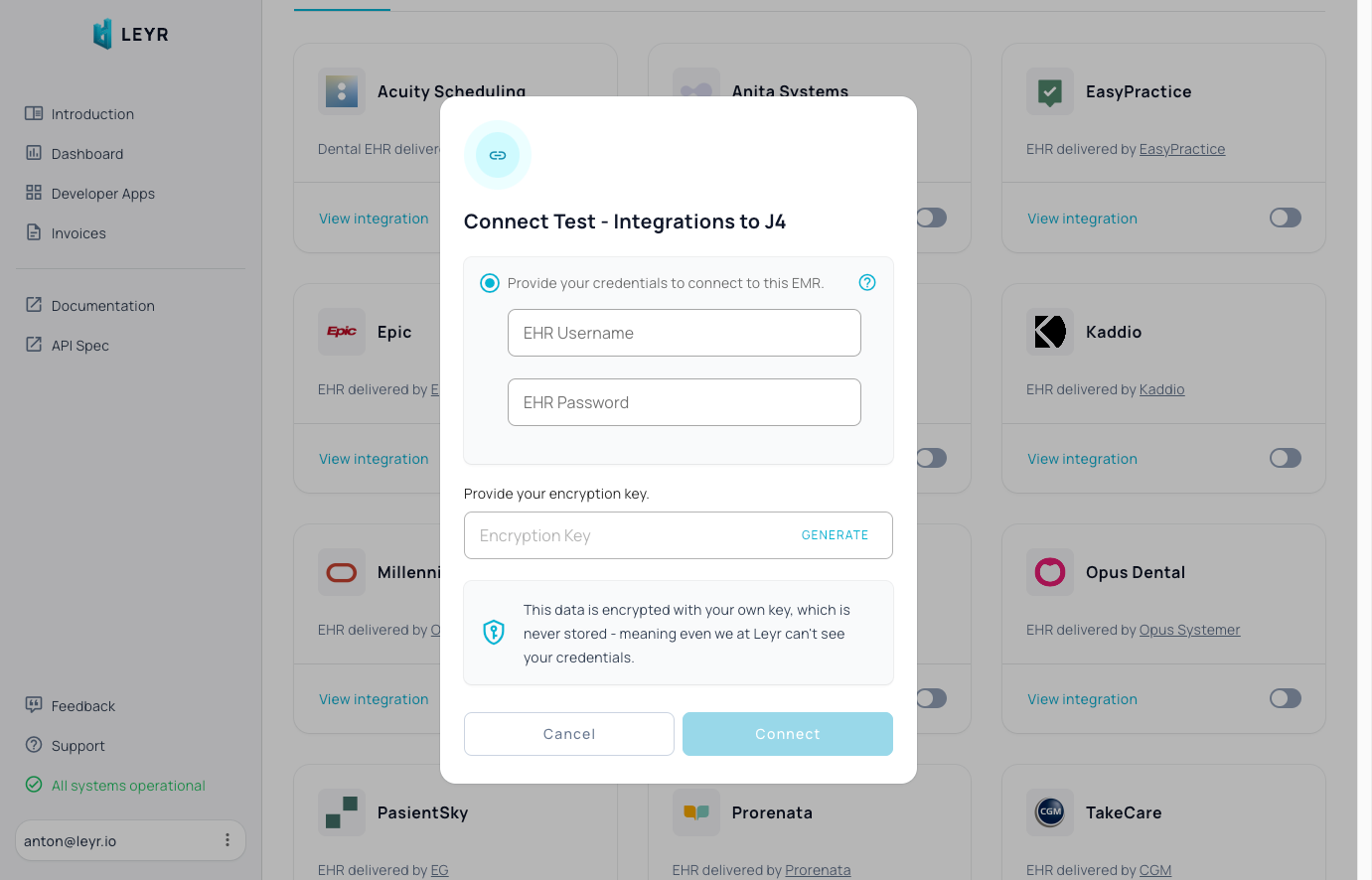
To integrate with J4 in production, you'll need:
- Username
- Password
## Setup Guide
J4 requires manual credential provisioning through their support team. For assistance with this process, contact us at [contact@leyr.io](mailto:contact@leyr.io) and we'll help guide you through the credential request.
Check our [API specification](https://api.leyr.io/docs) for implementation details.
## Sitemap
See the full [sitemap](https://docs.leyr.io/sitemap.md) for all pages.