---
title: "PasientSky"
description: "How to configure PasientSky for a Leyr integration and obtain the required credentials."
canonical_url: "https://docs.leyr.io/product/ehrs-setup/pasientsky"
---
# PasientSky
> How to configure PasientSky for a Leyr integration and obtain the required credentials.
Reviewed: 2 November 2026
PasientSky is a renowned EHR provider known for its robust and user-friendly electronic health record systems. Their platform supports more than 4,000 healthcare professionals in Norway in delivering high-quality care efficiently. Last year they were acquired by EG Healthcare, the leading supplier of industry-specific systems for the primary healthcare sector in Sweden, Denmark and Norway.
PasientSky
## Setup Type
**Self-Service** - You can connect PasientSky directly in the Leyr developer portal with your Care Unit ID - no approval from EG Healthcare is required.
## Required Credentials
To integrate with PasientSky in production or using your own credentials in Leyr Sandbox, you'll need:
- Care Unit ID
## Setup Guide
### Finding your Care Unit ID
The Care Unit ID identifies the clinic in PasientSky. To find it:
1. In PasientSky, click the **gear icon** in the bottom-left corner, then go to **Virksomhetsoppsett** → **Innstillinger** (Settings)
2. Open the **Ekstern bookingside** (External booking page) tab
3. Under **Generer bestillingslenker**, find the field **Lenken for forhåndsvisning av bestillingssiden** (preview link for the booking page)
4. The `serviceProviderId` query parameter in that link is your Care Unit ID - for example, in `https://ps-demo-1-patient-platform-fe.patientsky.dev/embedded/planner/booking?serviceProviderId=de22473c-0909-11ef-acab-da35167a18df`, the Care Unit ID is `de22473c-0909-11ef-acab-da35167a18df`

### Connecting in Leyr
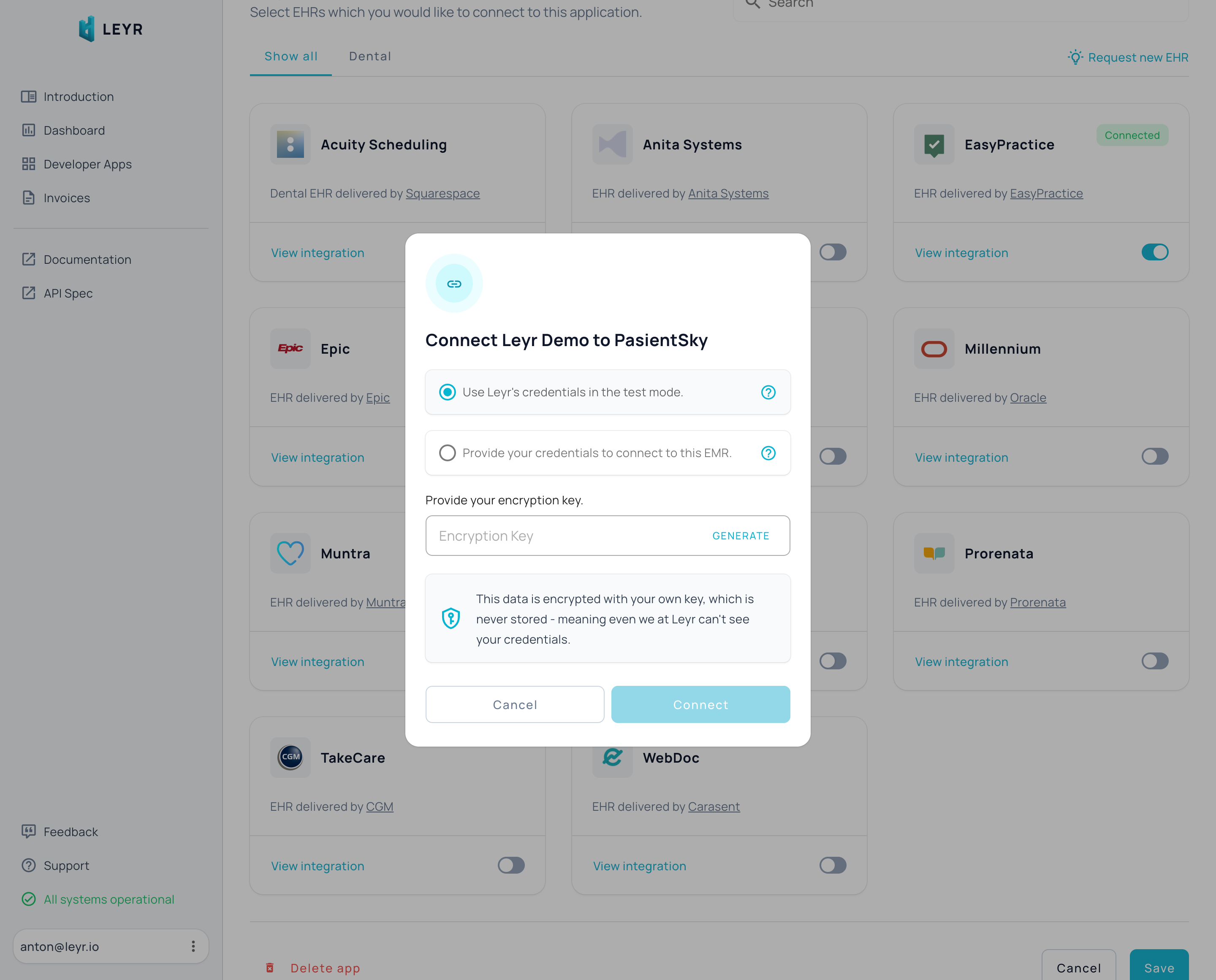
1. Open your application in the [Leyr developer portal](https://leyr.io/developers/apps/) and enable the **PasientSky** integration
2. Select **Use your own credentials**, enter the clinic's **EHR Care Unit ID** and your **application encryption key**, then click **Connect**
This creates a PasientSky instance on your app. You can add more instances later - depending on your setup, it can be one instance per practice or one instance per whole chain of practices.
Check our [API specification](https://api.leyr.io/docs) for implementation details.
## Sitemap
See the full [sitemap](https://docs.leyr.io/sitemap.md) for all pages.