---
title: "WebDoc"
description: "How to configure WebDoc for a Leyr integration and obtain the required credentials."
canonical_url: "https://docs.leyr.io/product/ehrs-setup/webdoc"
---
# WebDoc
> How to configure WebDoc for a Leyr integration and obtain the required credentials.
Reviewed: 31 May 2025
WebDoc offers a customizable and seamless EHR experience, allowing users to select functionalities for their needs, and facilitating a frictionless patient experience in primary or specialty care, paramedicine, or corporate health. Integrate with WebDoc for a personalized solution designed to meet your healthcare requirements.
WebDoc
## Setup Type
**Contact Required** - WebDoc requires manual verification from Carasent through a formal application process. We can help you with submitting the required integration request.
## Required Credentials
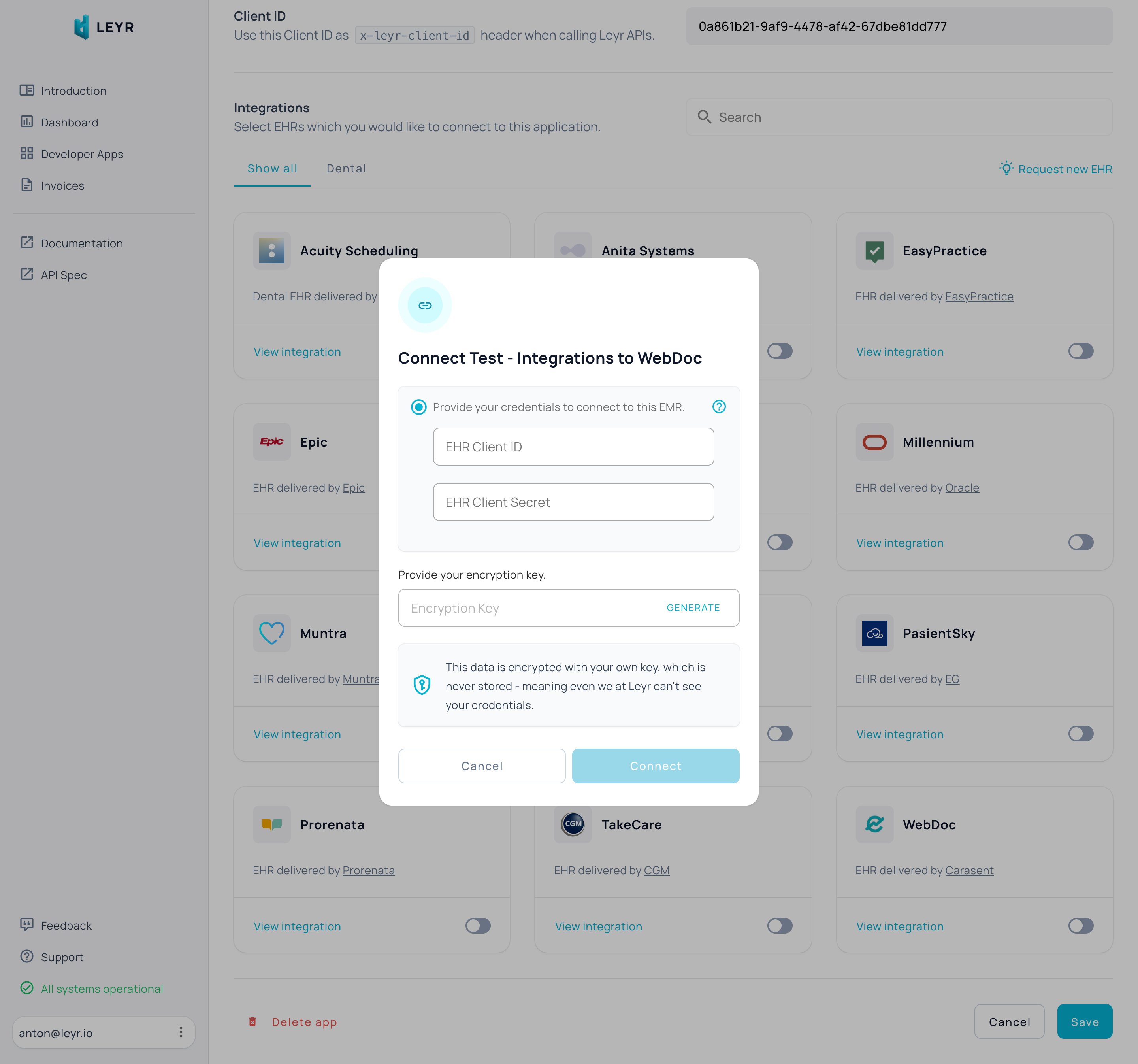
To integrate with WebDoc in production or using your own credentials in Leyr Sandbox, you'll need:
- Client ID
- Client Secret
## Setup Guide
WebDoc requires manual verification from Carasent through a formal application process:
1. Submit a formal integration request to [partner@webdoc.com](mailto:partner@webdoc.com)
2. Carasent will review your application
3. Once approved, they'll issue your Client ID and Client Secret
We can help you with this process - contact us at [contact@leyr.io](mailto:contact@leyr.io) for assistance.
Check our [API specification](https://api.leyr.io/docs) for implementation details.
## Sitemap
See the full [sitemap](https://docs.leyr.io/sitemap.md) for all pages.