---
title: "Opus Dental"
description: "How to configure Opus Dental for a Leyr integration and obtain the required credentials."
canonical_url: "https://docs.leyr.io/product/ehrs-setup/opus"
---
# Opus Dental
> How to configure Opus Dental for a Leyr integration and obtain the required credentials.
Reviewed: 31 May 2025
Opus Dental is a leading Nordic dental EHR solution crafted over two decades, prioritizing simplicity and effectiveness in practice management with a comprehensive journal system and adaptable features tailored to practices of all sizes. Integrate with Opus for efficiency in dental practice management.
Opus
## Setup Type
**Contact Required with Prerequisites** - Your clinic must have the Patient Connect module purchased, and then your clinic representative needs to contact Opus technical support to obtain the required credentials.
## Required Credentials
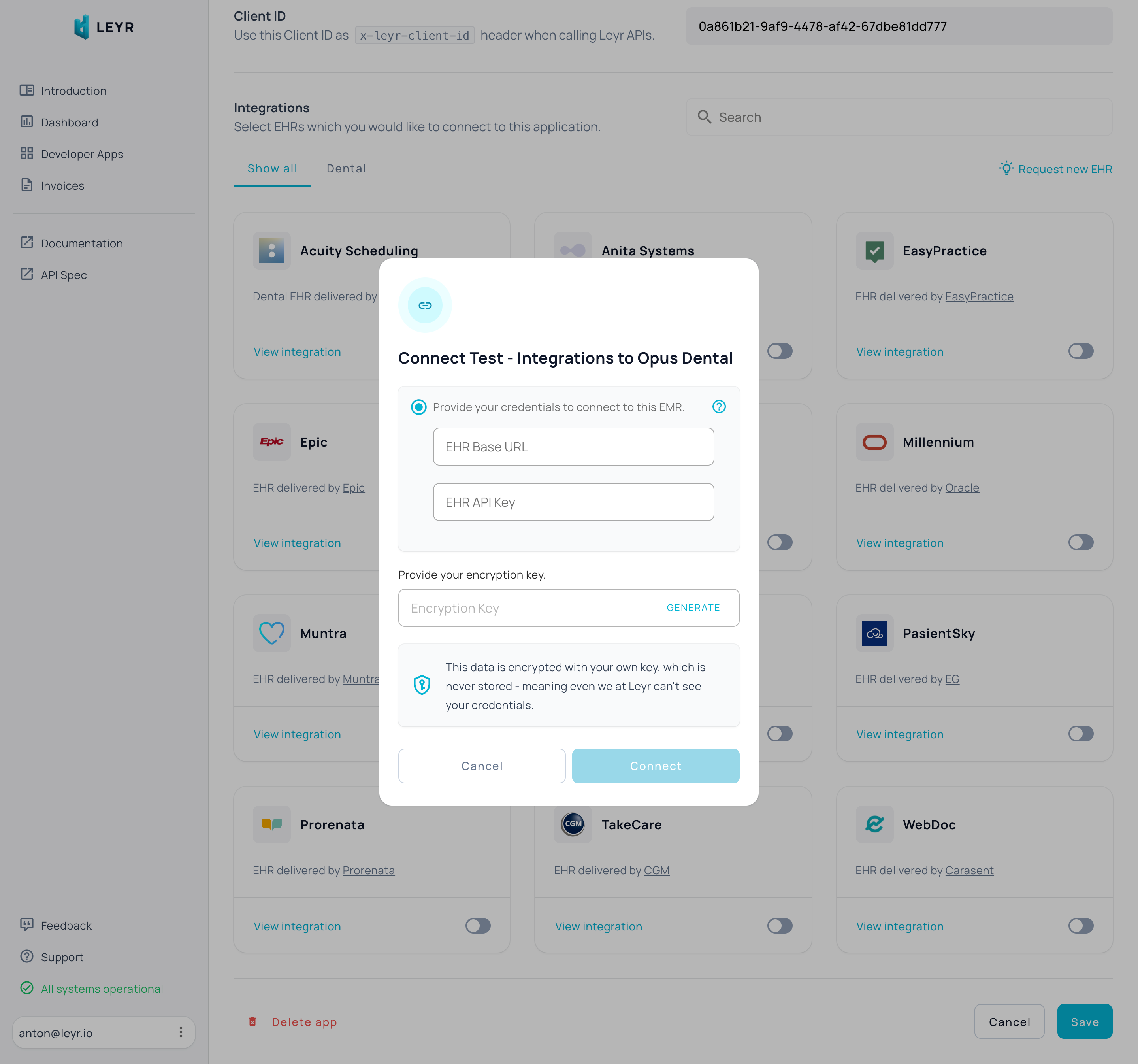
To integrate with Opus Dental in production, you'll need:
- Base URL
- API Key
## Setup Guide
**Prerequisite:** Your clinic must have the Patient Connect module purchased (previously "Web Timebooking"). Learn more at [https://www.opusdental.com/no/tilleggsprodukter_og_tjenester/tilleggsprodukter-fra-opus2/patient-connect/](https://www.opusdental.com/no/tilleggsprodukter_og_tjenester/tilleggsprodukter-fra-opus2/patient-connect/).
**To obtain your credentials:**
1. Your clinic representative must contact their technical contact at Opus to request the API credentials
2. The **Base URL** will be the same as your clinic's online booking page URL, e.g., `https://{your-domain}.opusdentalonline.com`
3. Opus will provide the **API Key** directly
Need assistance? Reach out to us at [contact@leyr.io](mailto:contact@leyr.io) and we'll guide you through the process.
Check our [API specification](https://api.leyr.io/docs) for implementation details.
## Sitemap
See the full [sitemap](https://docs.leyr.io/sitemap.md) for all pages.