---
title: "Frenda"
canonical_url: "https://docs.leyr.io/product/ehrs-setup/frenda"
---
# Frenda
Reviewed: 30 Jan 2026
Frenda is a Swedish cloud-based dental practice management and EHR platform that has been serving dental clinics since 2013. The system centers around a comprehensive electronic dental record (journal) that integrates clinical documentation with imaging, practice management, and patient engagement tools. Frenda offers a fully cloud-hosted solution with automatic backups, eliminating the need for local servers, and includes an integrated image management system that provides flexibility in choosing compatible dental sensors. The platform features modern patient-facing services including digital check-in kiosks, web-based appointment booking and rebooking, and deep Swish payment integration that sends payment requests directly to patients' mobile phones with the correct amount pulled from the journal system. Used by hundreds of dental practices across Sweden, Frenda provides specialty-specific workflows for dental care with emphasis on streamlining administrative tasks and improving the patient experience while maintaining clinic control over scheduling and operations.
Frenda
## Setup Type
**Self-Service** - You can obtain the required Care Unit ID by searching for the clinic on Frenda's website following the simple steps below.
## Required Credentials
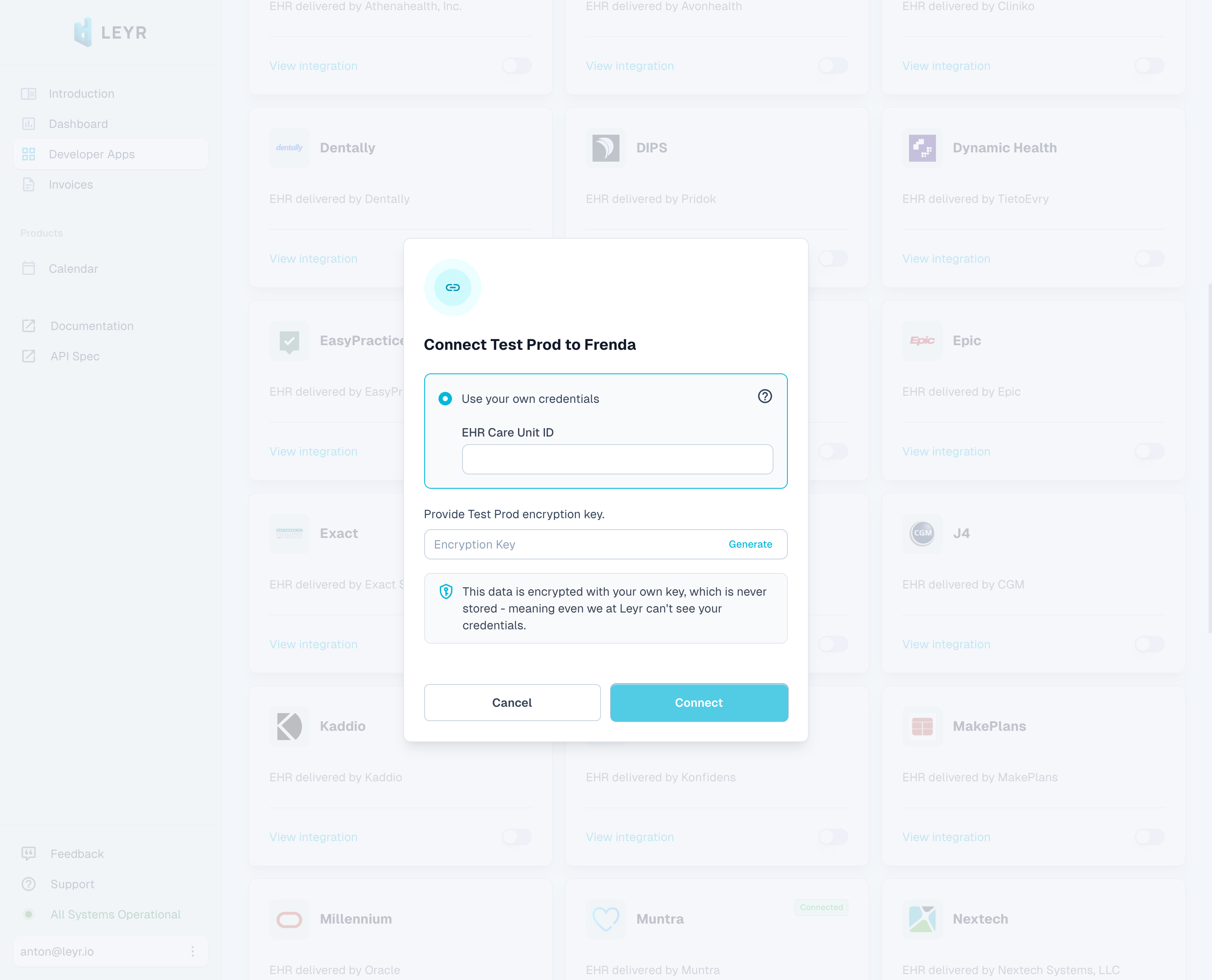
To integrate with Frenda in production or using your own credentials in Leyr Sandbox, you'll need:
- Care Unit ID
## Setup Guide
1. Navigate to your clinic's online booking page at `https://boka.frenda.se/{care_unit_id}`
2. Look at the URL in your browser's address bar. The number after `boka.frenda.se/` is the Care Unit ID you need
- For example, if the URL is `https://boka.frenda.se/123456`, the Care Unit ID is `123456`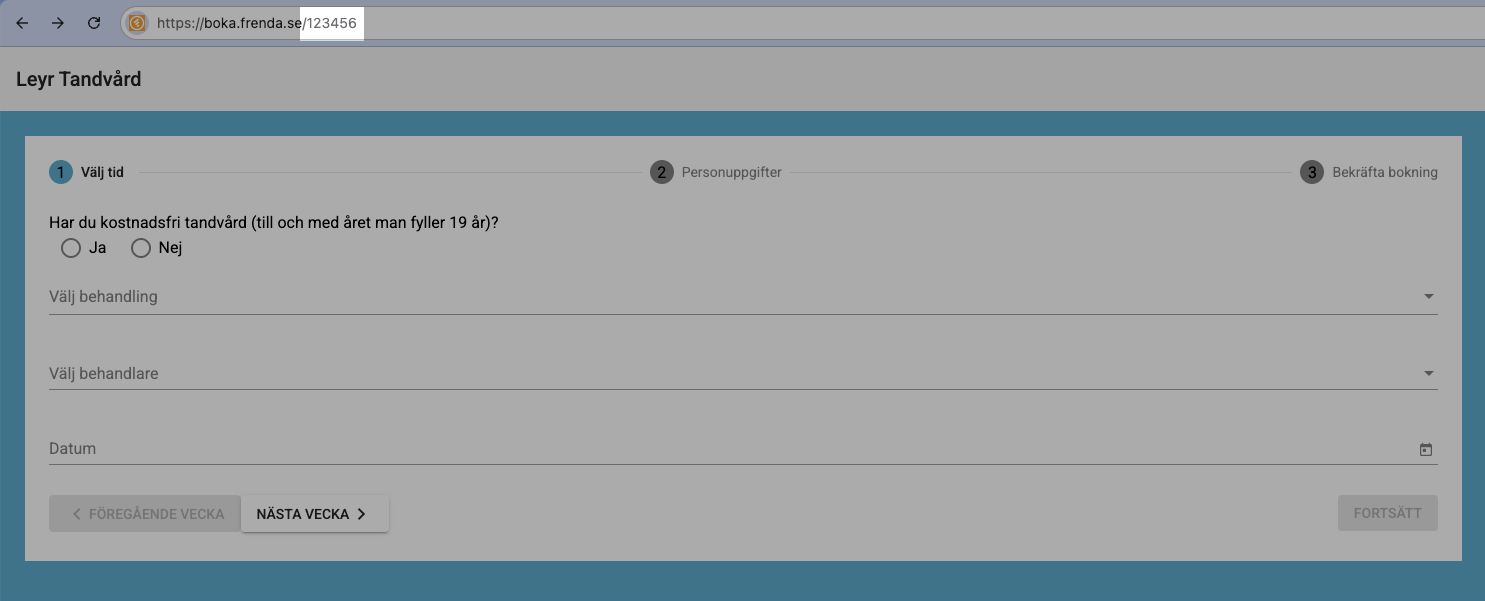
You're now ready to test and launch your integration with Frenda via Leyr. Check our [API specification](https://api.leyr.io/docs) for implementation details.
## Sitemap
See the full [sitemap](https://docs.leyr.io/sitemap.md) for all pages.