---
title: "Vena"
description: "How to configure Vena for a Leyr integration and obtain the required credentials."
canonical_url: "https://docs.leyr.io/product/ehrs-setup/vena"
---
# Vena
> How to configure Vena for a Leyr integration and obtain the required credentials.
Reviewed: 23 October 2025
Vena is a modern, simplified electronic health record (EHR) system designed specifically for general practitioners in Denmark. The system includes comprehensive features for practice management including patient records, medication management, vaccinations, and practice administration, while using AI to support tasks like suggesting follow-up dates from medical reports. It integrates with "Min Læge" (My Doctor) platform used by 2.5 million Danes for patient communication and can automatically handle billing integration with accounting software.
Vena
## Setup Type
**Contact Required** - Vena integration requires manual credential provisioning. Contact Vena directly to obtain the necessary credentials for integration.
## Required Credentials
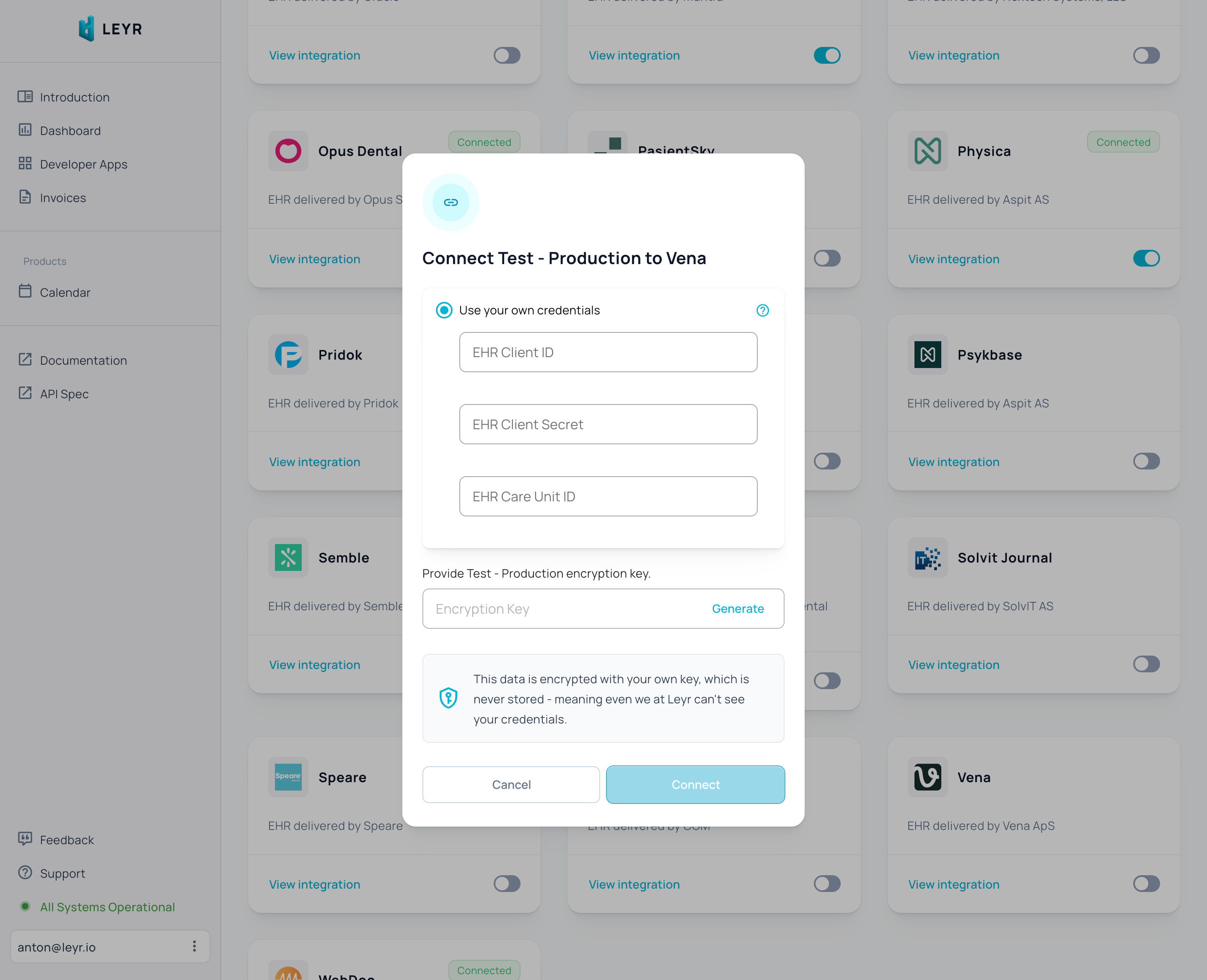
To integrate with Vena in production or using your own credentials in Leyr Sandbox, you'll need:
- Client ID
- Client Secret
- Care Unit ID
## Setup Guide
Vena requires manual credential provisioning through their support team. Leyr is happy to assist you with this process. Contact us at [contact@leyr.io](mailto:contact@leyr.io) and we'll help guide you through the credential request with Vena.
Check our [API specification](https://api.leyr.io/docs) for implementation details.
## Sitemap
See the full [sitemap](https://docs.leyr.io/sitemap.md) for all pages.